Xcode Tip: Pre-Build Actions
I ran into this cool little piece of functionality in Xcode the other day that helped me solve a real problem. I have never seen anyone mention that you can do this, so I'm sharing it here in the hopes that it will help someone else out.
I was recently working with a framework which uses a configuration file. This file is stored in JSON and is bundled with the app. I wanted an easy way to have separate configuration files for the dev version of my app and the prod version and I already had separate schemes for these different versions. I was looking into ways to accomplish this, maybe via an argument passed on launch or a compiler flag or something. I was starting to go down the rabbit hole of the various code generation tools etc. But then I noticed something in the scheme editor.
Underneath the little drop down on "Build", there is an item called "Pre-actions". If you click into that and hit the "+" button down at the bottom you have the option to add a "Run Script Action". This means that you can run any arbitrary script before (or after) all builds (or runs or tests) of your app. And they can be different for different schemes. This seemed like a perfect way to accomplish my goal!
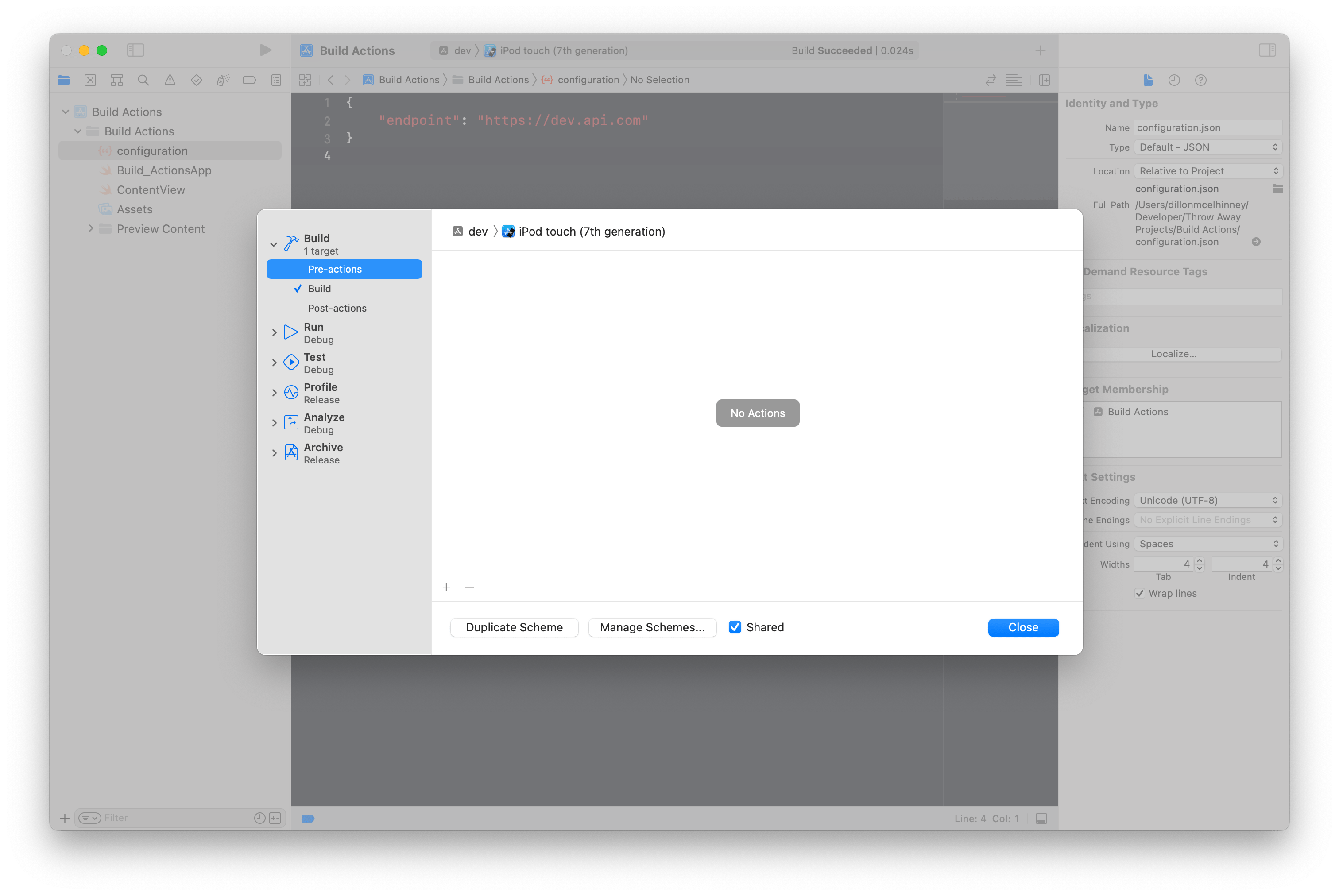
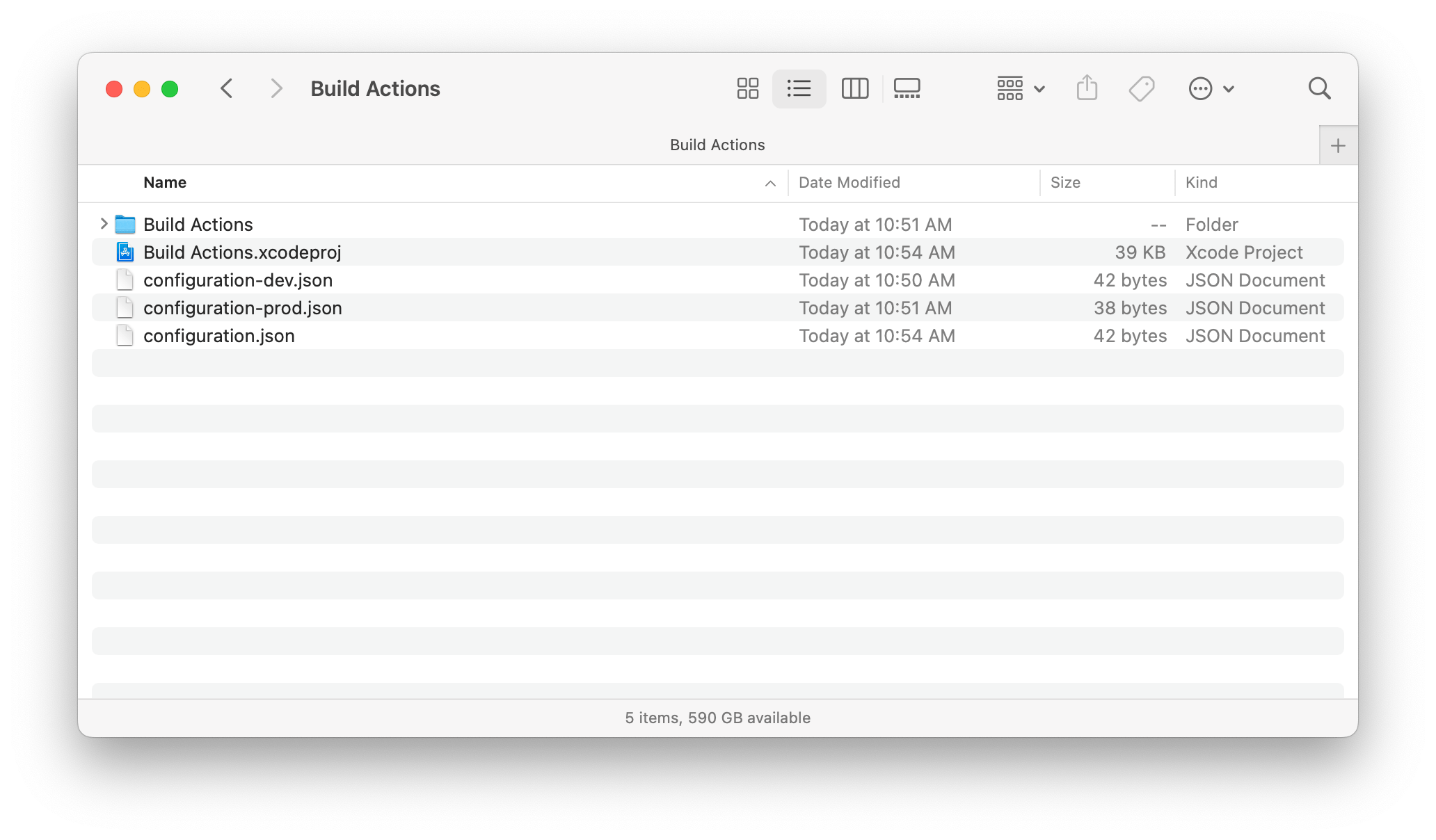
What I did was add an empty JSON file called "configuration.json" to my project and included it in the target. Then I put the "configuration-dev.json" and "configuration-prod.json" files into the directory of my app (so that it would be included in source control), but didn't add them to the project itself.
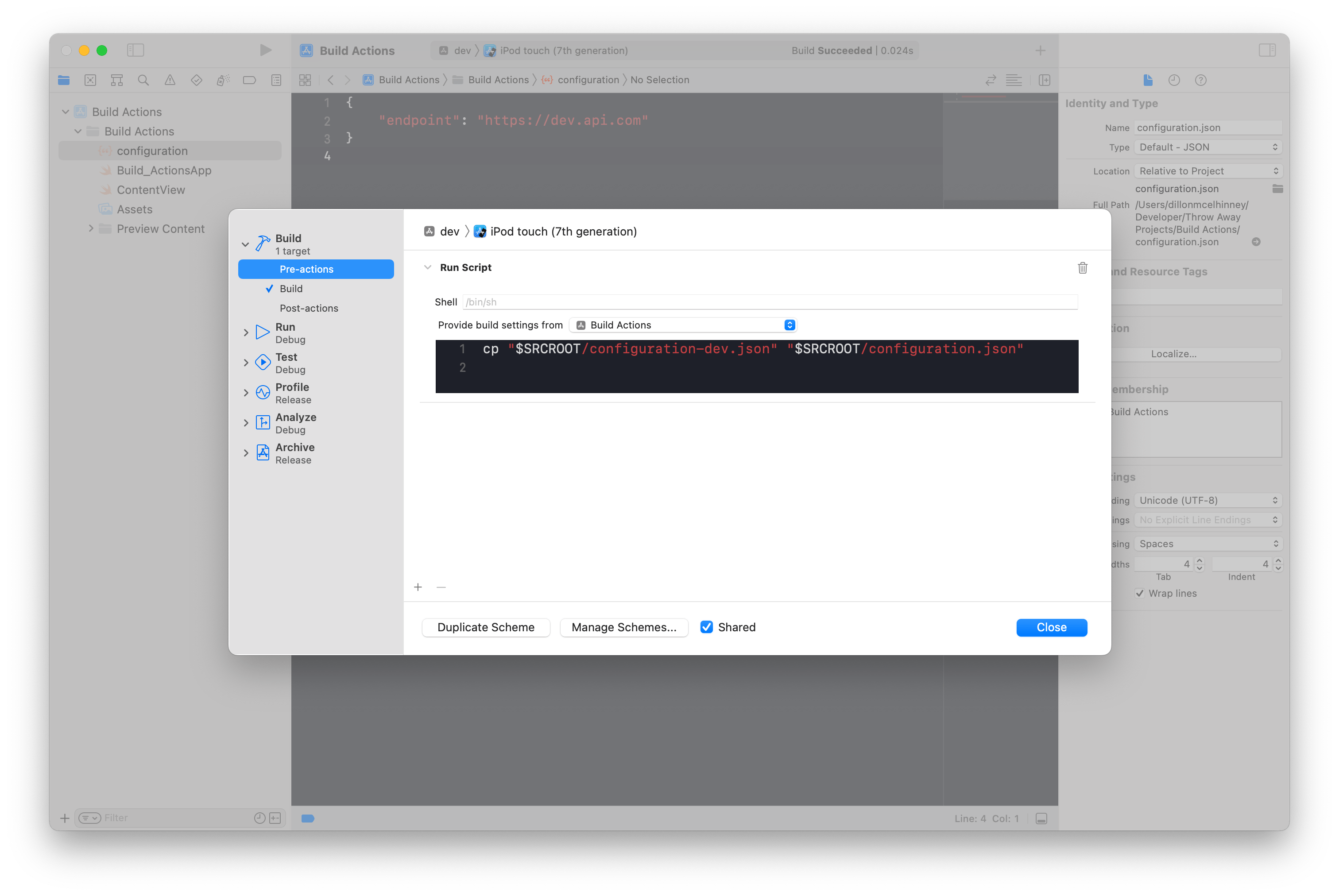
Then, for my dev scheme I added this script as a pre-build action:
cp "$SRCROOT/configuration-dev.json" "$SRCROOT/configuration.json"
If you're not familiar with bash, the cp command copies files from the source to the destination. In this case it'll copy the dev version of the configuration file to the one that I included in the project, overwriting whatever was there before.
I also made sure that "Provide build settings from" was set to my app target, instead of "None". This is necessary to get the SRCROOT in the script, which is the path to the directory where the project file lives.
Then I did the same thing for the prod action:
cp "$SRCROOT/configuration-prod.json" "$SRCROOT/configuration.json"
Now, any time I build the dev scheme, I have the contents of configuration-dev bundled into the app and when I build the prod scheme, I have the contents of configuration-prod.
Simple, right? You could obviously run a lot more complicated scripts here and do more if you needed to. But so far this one-line script seems to have solved this little problem I had and I haven't seen any downsides.
About the author
A few years ago I left my comfortable career of managing the live production environment for churches to study in the new-at-the-time iOS development program at Lambda School (now called Bloom Institute of Technology). I spent basically all day every day for nine months reading and writing Swift and learning how to build iOS apps. Since I finished that program I have worked on a few apps, learned as much as I can, and most recently landed at a company called Hallow. I continue to learn as I go, and I try to document the progress when I can. If you're interested in following along with that, checkout dilloncodes.com.
Comments
Join the discussionNo comments yet. Be the first to comment.


